
Since this past Saturday, myself and many players have noticed a massive decline in the quality of the graphics when playing Grow a Garden or Grow A Garden 2.
I’ve tested the other Roblox games I play, and none of them give you super blurry graphics and ruin your avatar like Grow a Garden does right now.
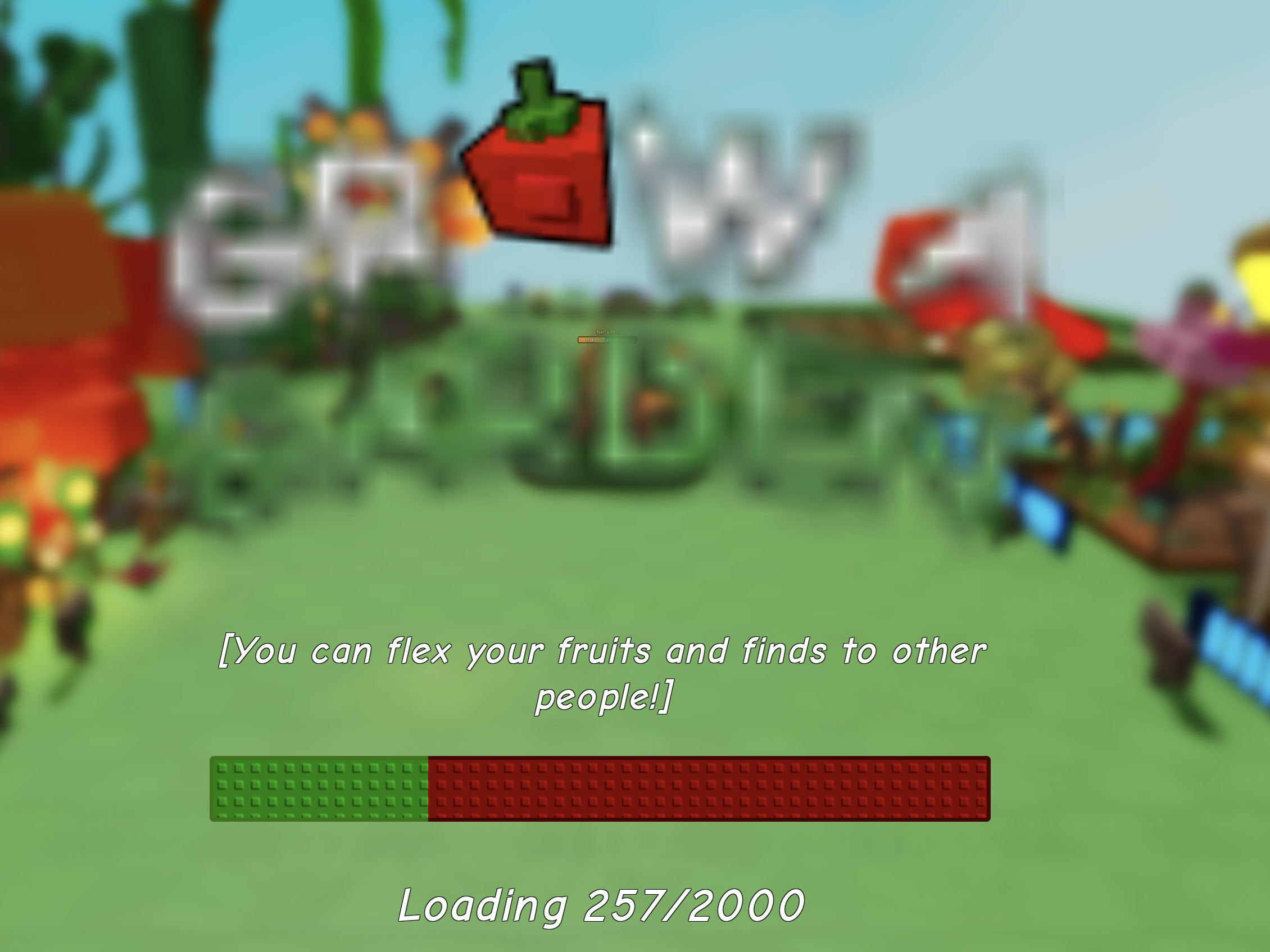
Here is the loading screen, and it has been like this since Saturday, and it’s the same issue with both Grow A Garden games.
The logo is completely blurred and illegible, but you can see the normal writing on the bottom of the screen, it looks absolutely fine.
Within the original Grow A Garden, this started on Saturday with the drop of the Campfire Part 3 update.
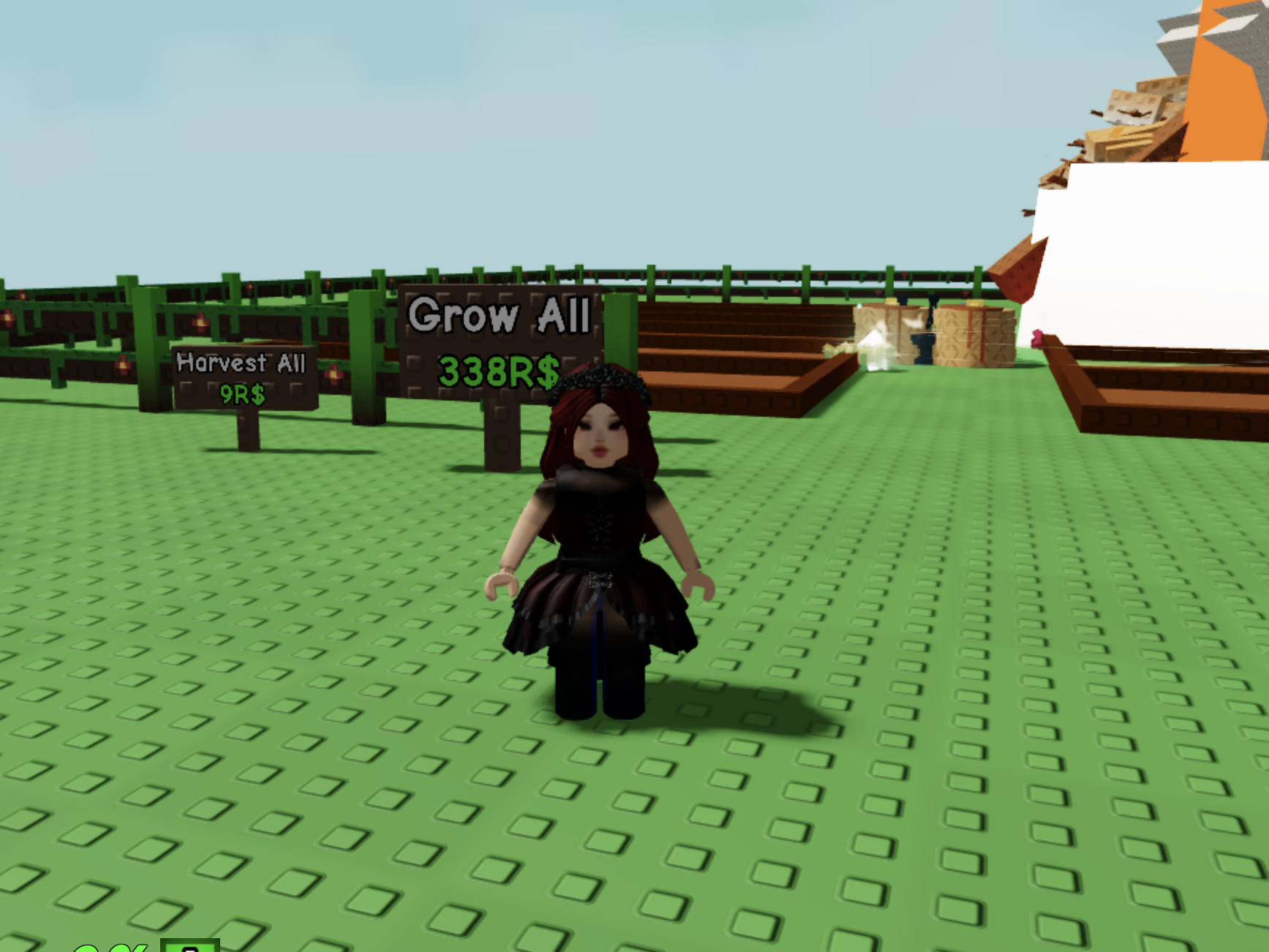
Once you’re inside the game of the original Grow A Garden, it blurs your avatar’s outfit completely and your face.
I’ve tried to go to the Avatar section inside Roblox, to refresh my avatar, to see if that works, and it does “fix” it, until you load back into Grow A Garden, and you’re entirely blurry again.
I’ve experimented with the Graphics Quality setting within Roblox Display & Graphics settings, when in-game, and it’s the same if you have Manual or Automatic is selected.
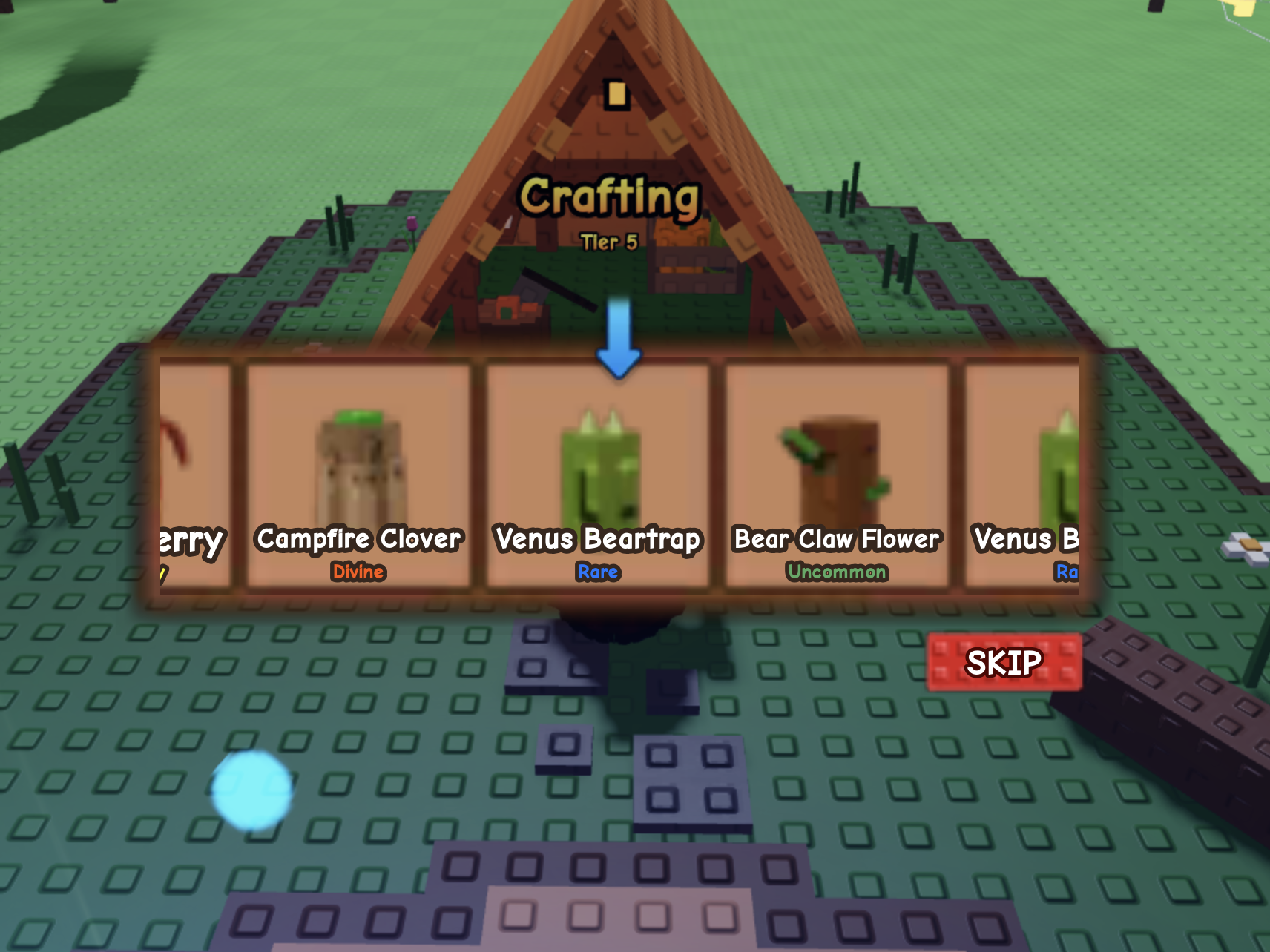
The blurry graphics is affecting more than just the loading screen and avatar. It’s every single in-game graphic, like the Seed Shop and the Seed Packs. Again, the text isn’t affected (only the logo’s text on the loading screen), it’s just the images.
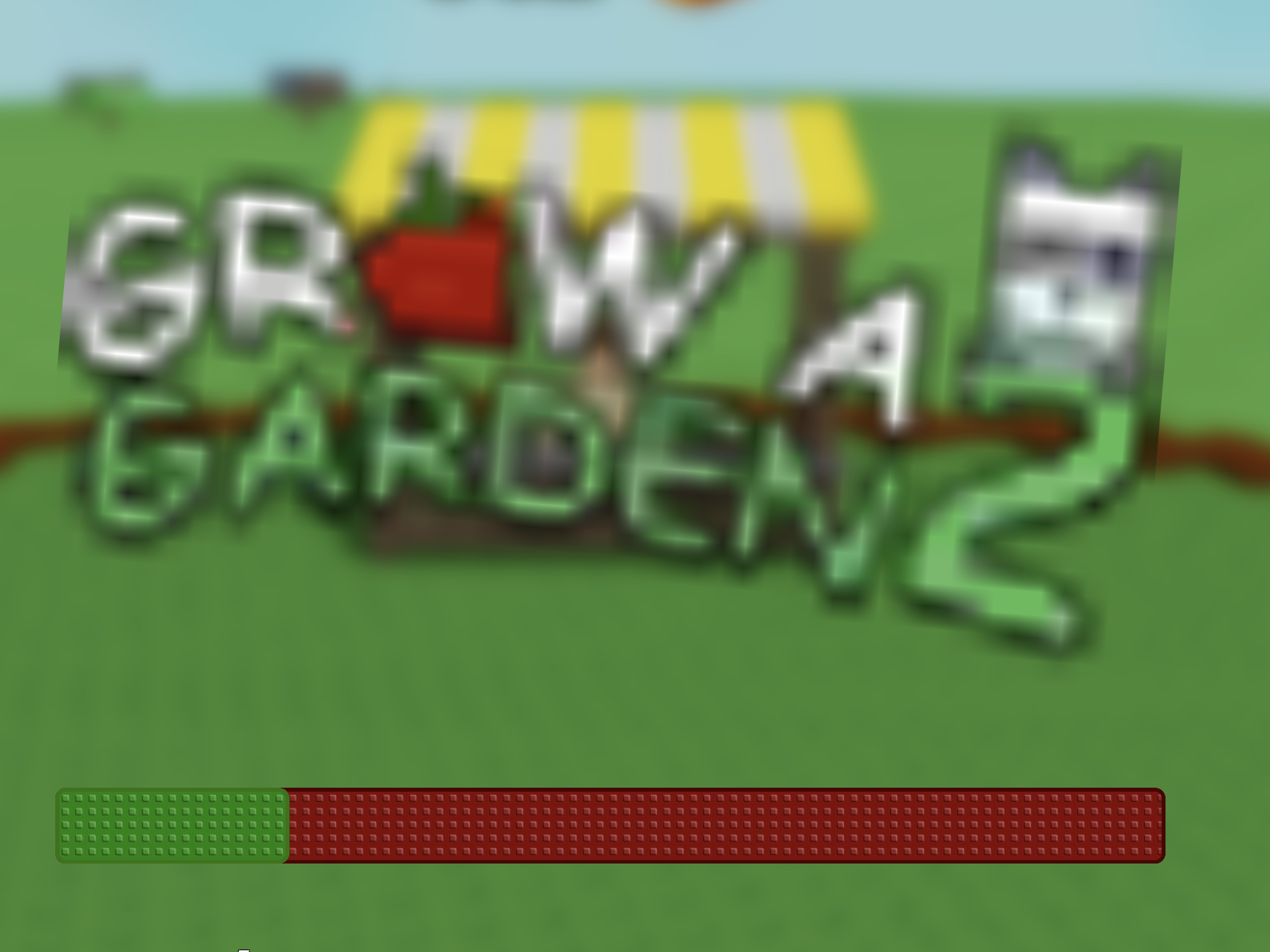
The loading page of Grow A Garden 2 is exactly the same, with the same super blurry and pixelated logo.
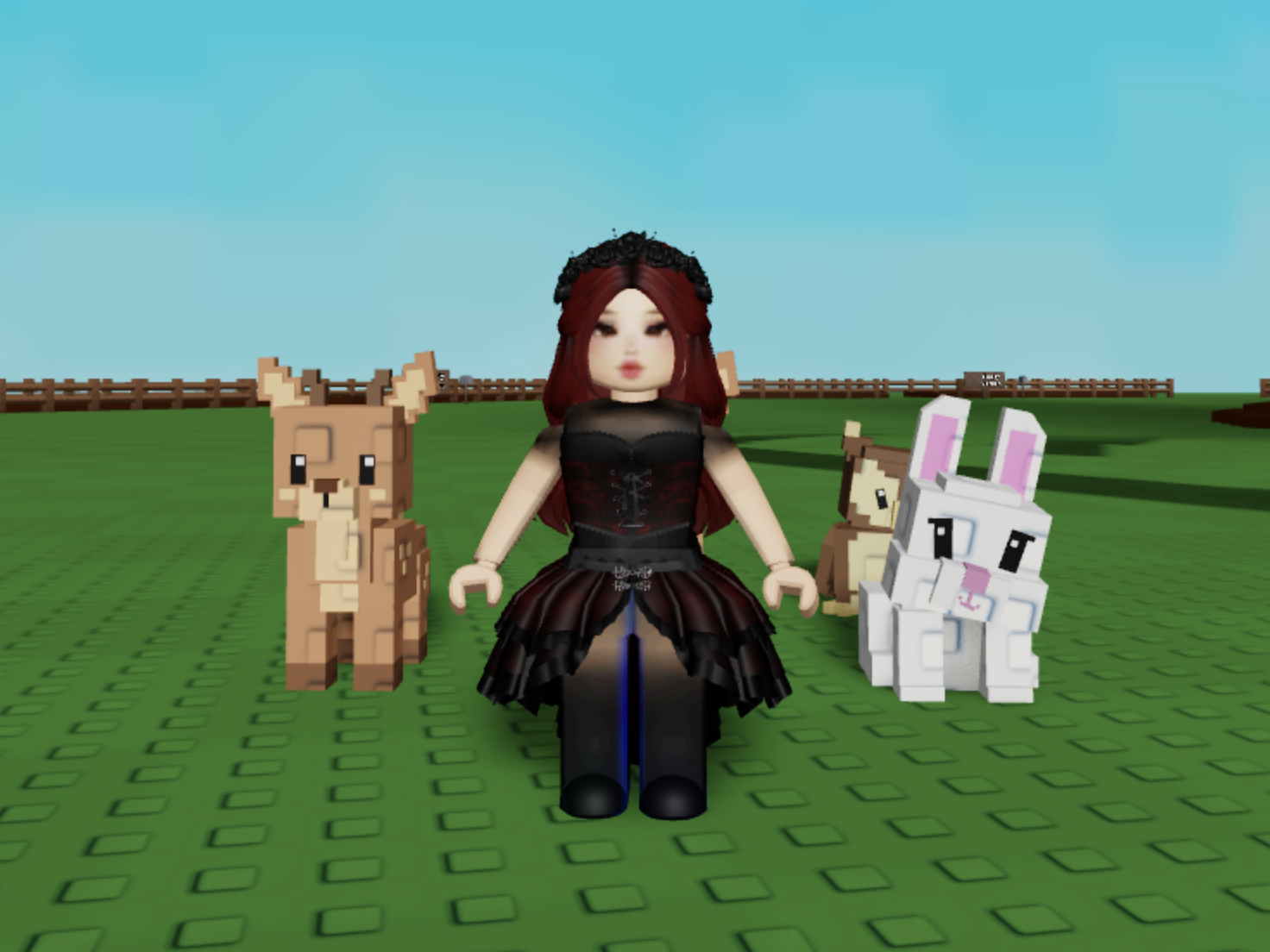
Here is a close-up of my blurry avatar when I’m in Grow A Garden 2. All of the details on the pets are perfect, but my avatar and face are totally blurred.
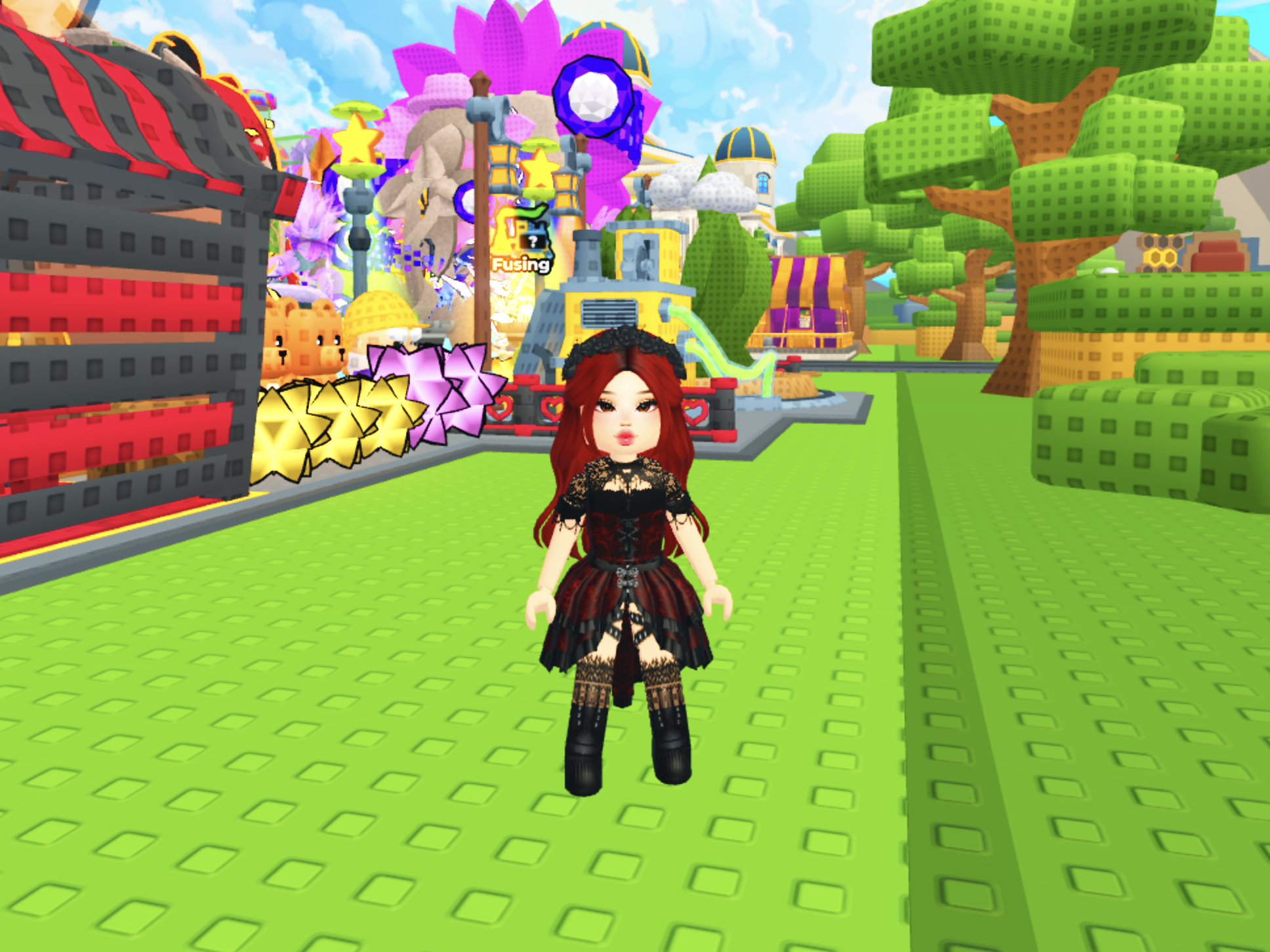
Here is what my avatar is supposed to look like, in another Roblox game (Bee Garden), and the blurry issues only started in both Grow A Garden and Grow A Garden 2 since Saturday.
It is possible that something was done within the Grow A Garden game to improve lag and loading issues, to speed people’s gameplay and loading, but in doing so, it has left the images super blurry and they’re not loading properly.
Many people are mentioning this visual bug in the official Grow A Garden Discord, but nothing has been done to fix it (yet).
Just know, it’s nothing to do with you, your avatar. Someone mentioned in the official Grow A Garden Discord that it’s an issue with DPI settings, but if you play on an iPad or iPhone, you don’t have that option. Hopefully that doesn’t mean we’re going to be stuck like this forever?
It never happened until very recently, but the blurry graphics are so annoying and I really hope they fix it soon, so Apple users aren’t left playing on blurred an pixelated screens forevermore.