
If you do a lot of gaming, you probably suffer from dry and uncomfortable eyes. Gaming is typically done with a bright screen, and blue light glasses have soared in popularity to improve comfort while gaming and for recovery after late-night sessions. Here are three reasons gamers should consider using blue light glasses when gaming to reduce eye discomfort.
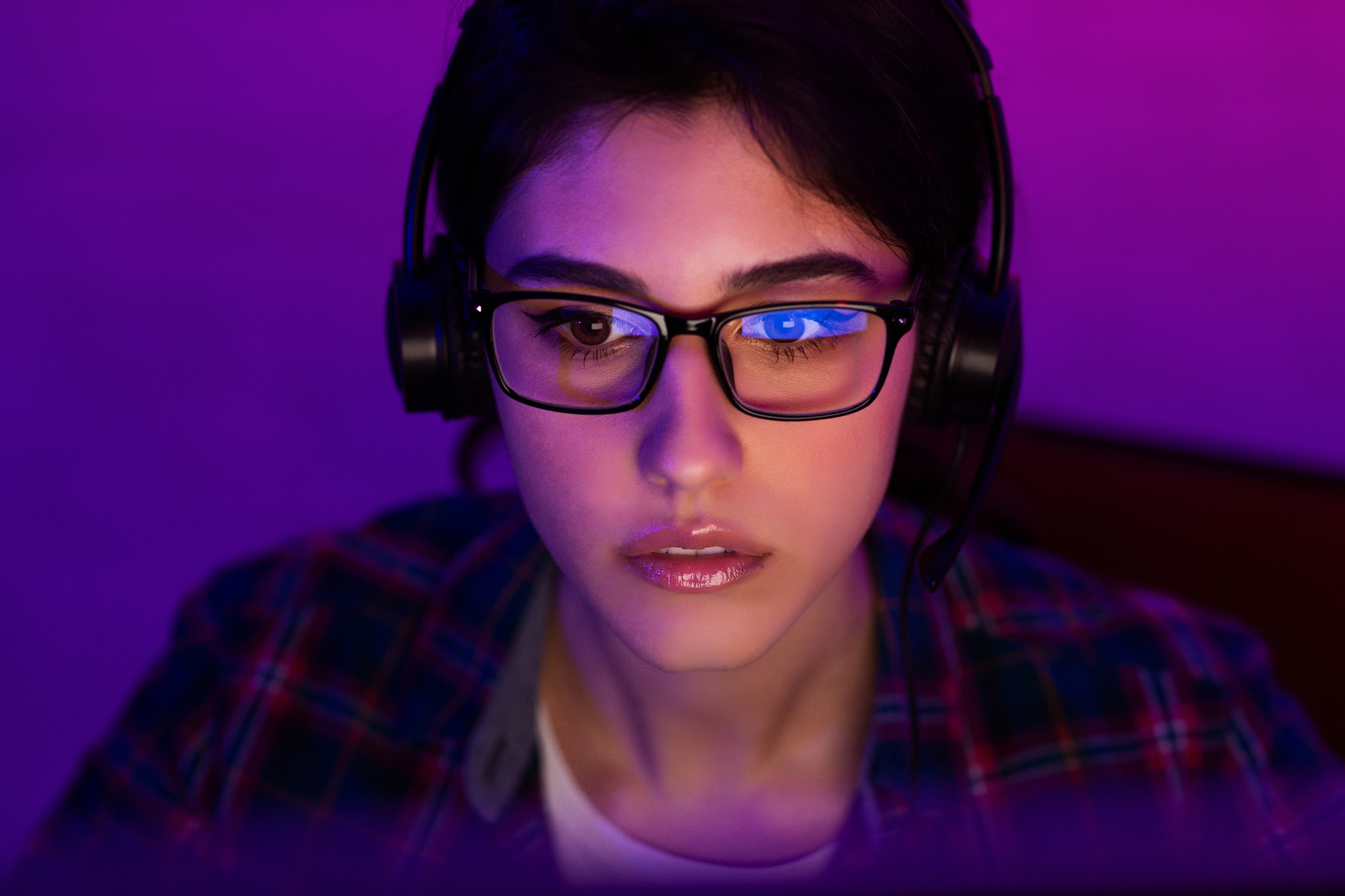
What Is Blue Light?
Blue light is a short-wavelength, high-energy part of the visible light spectrum, positioned close to ultraviolet.
Blue light is produced by digital displays, which rely on blue wavelengths to create bright whites, strong contrast, and vivid color.
Screens aren’t the only source of blue light—many LED bulbs, tablets, laptops, and newer TVs also emit blue light.
The amount of blue light you take in depends on factors like your screen brightness, your viewing distance, and the amount of time you spend looking at your display, especially in a dark room, where your brightness is usually turned up.
You can reduce your exposure to unwanted blue light by using features like night mode, dimmers, and even blue light filters to lower the strongest blue light wavelengths while keeping the text and colors within your devices readable.
How Can Blue Light Affect Gamers?
When you’re gaming, it means staring at bright, blue-light-heavy screens. When you’re exposed to blue light, it can mean you’re left feeling more awake late into the evening, because blue light can interfere with the body’s natural wind-down signals.
When your sleep schedule is affected, it is easier to feel sluggish the next day, which can affect your focus, steadiness, and reaction time in your gaming sessions the following day.
The blue light can also affect how your games look. Strong blue tones and a high brightness can make certain colors and contrasts within your games feel less consistent, especially in darker scenes, where you rely on subtle outlines, shadows, or details.
Many players end up turning the brightness up even more, for extra clarity, but that can end up washing out highlights and flattening shadows.
Less Eye Strain During Long Gaming Sessions
After a few hours of gaming, you’ll notice eye fatigue pretty quickly.
Most players blink less when they’re focused when gaming, and that can leave your eyes feeling dry, tight, or irritated.
The bright, blue light screens make those symptoms even worse, especially in dark rooms.
If you wear blue light glasses, it can ease some of the discomfort, giving you less eye strain, so you stay focused and can keep playing without getting that awful tired and gritty feeling.
Fewer Headaches After Staring At Your Screen
Headaches are a common symptom after gaming session, especially if you’ve been focused on a bright screen, without taking many breaks.
It is usually the combination of the glare from the screen, the sharp contrast, and constant close-up focus that does it.
When your eyes keep working to stay locked in, to what you’re doing, we tend to start squinting, or holding tension within your forehead.
Wearing blue light glasses will make the images feel less harsh, so you can relax your eyes and reduce any built-up strain.
You will notice this the most when your game swings between bright menus, white HUD elements, and darker screens. With fewer brightness “spikes” and less glare, the screen will feel easier to look at for longer, so you’re less likely to get the post-gaming fatigue we often get.
Better Sleep After Logging Off
When you game late at night, it will make it harder to wind down, even after you’ve shut everything down.
The bright screens signal to your body that it is still daytime, which can delay the natural “sleepy” feeling, keeping you feeling “switched on” for longer than you’d like.
Wearing blue light glasses will help to reduce some of the harsher light coming from your monitor and other devices in the evening. They’re not a magic fix, but they can make your screen time feel less stimulating when it’s getting close to bedtime.
Pairing your blue light glasses with other small changes, like lowering the screen brightness, using night modes, and keeping your gaming room lighting softer, can all make it easier to adjust from gaming mode to resting mode.